Phone and PWA
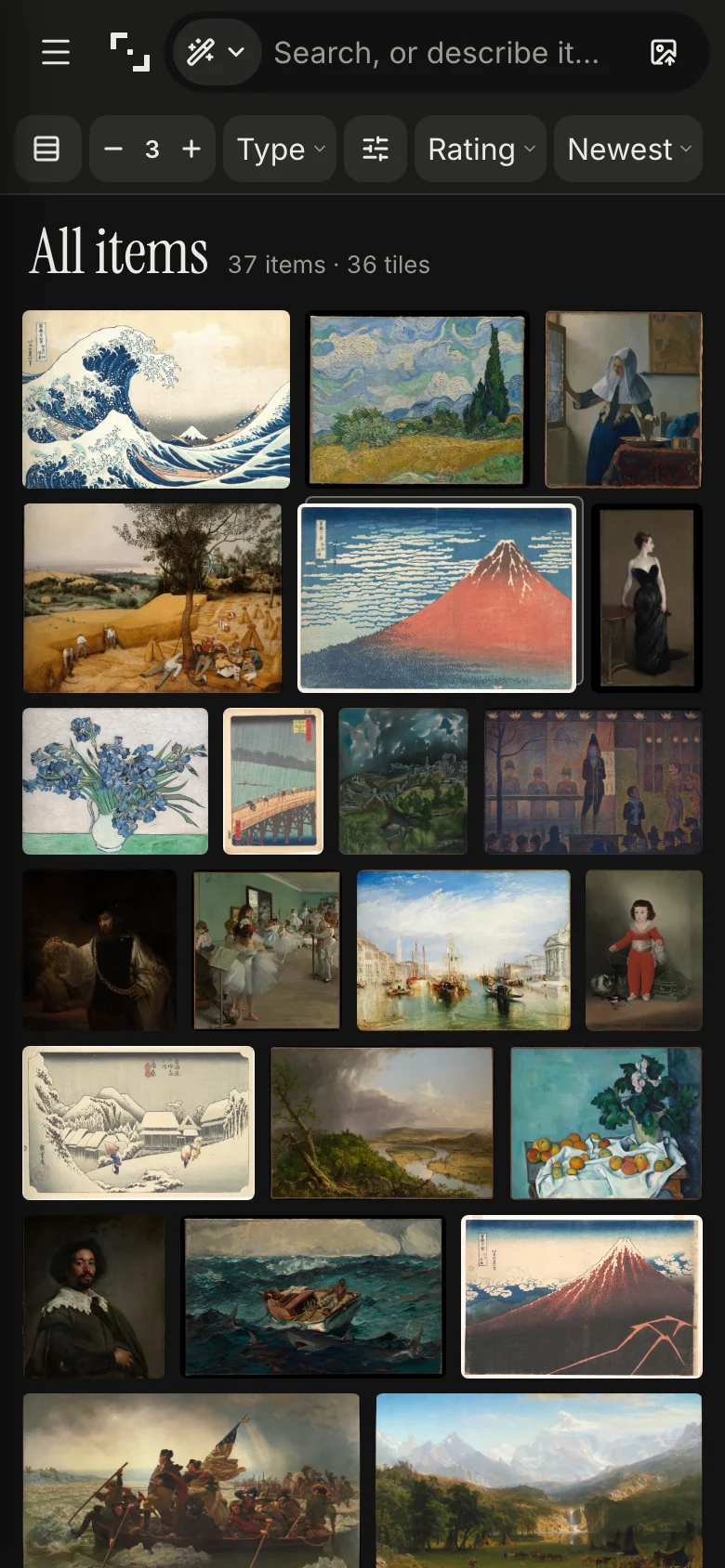
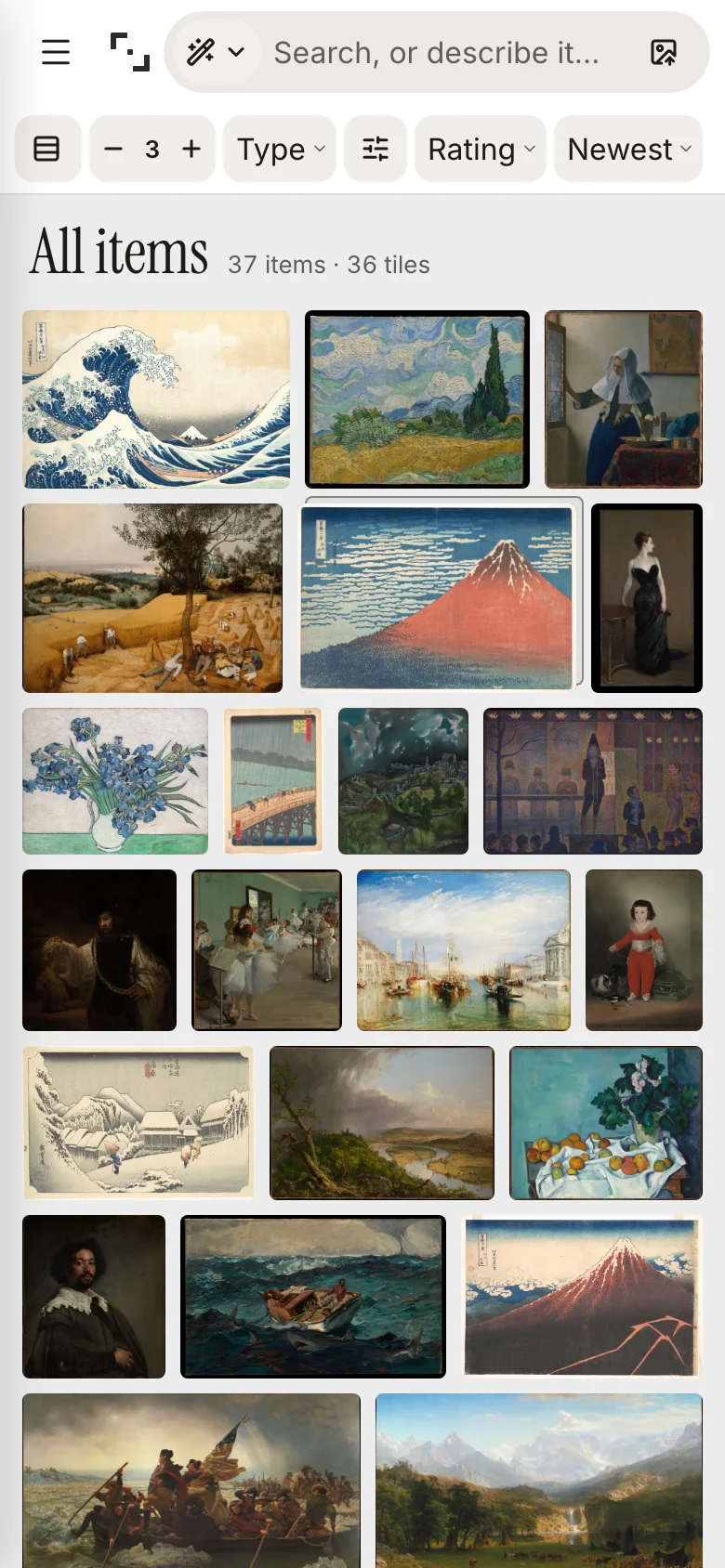
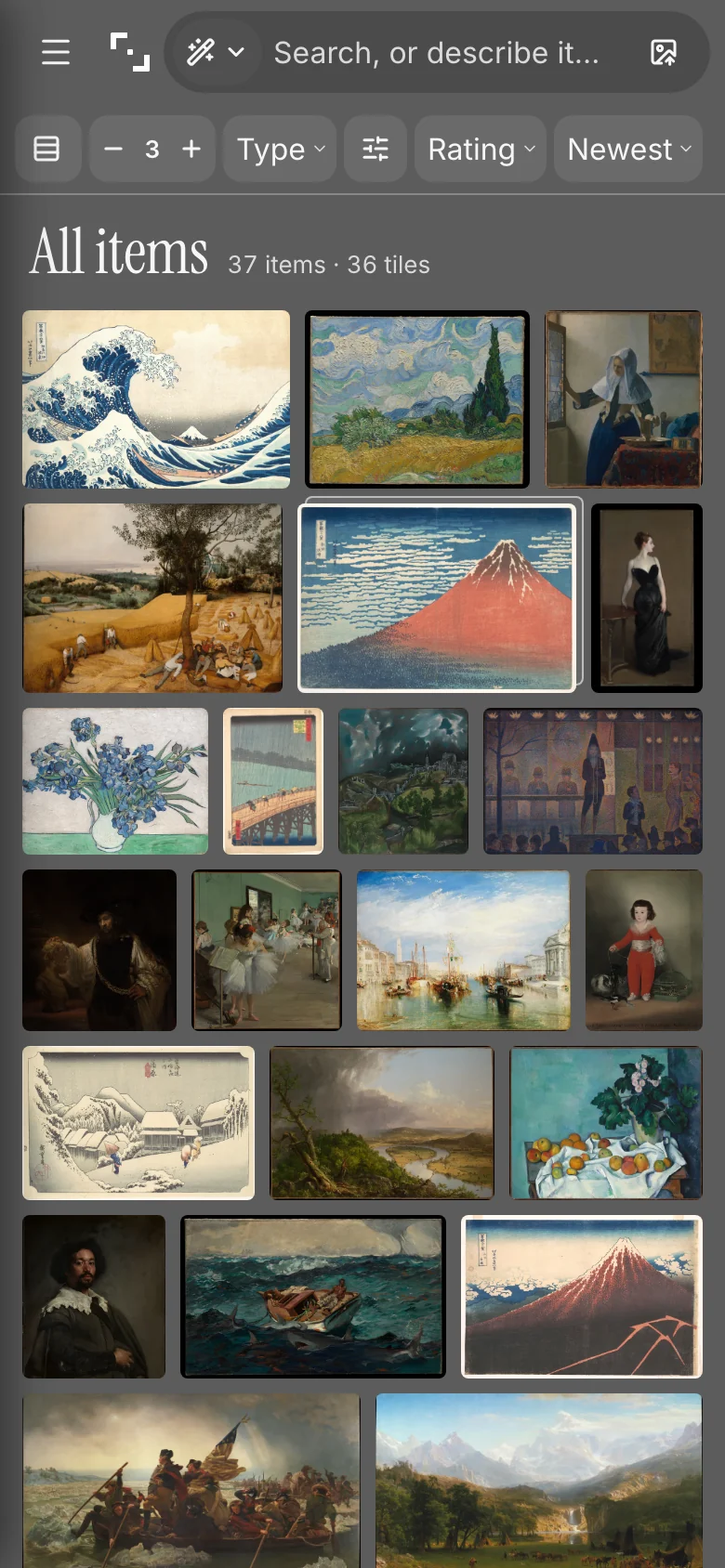
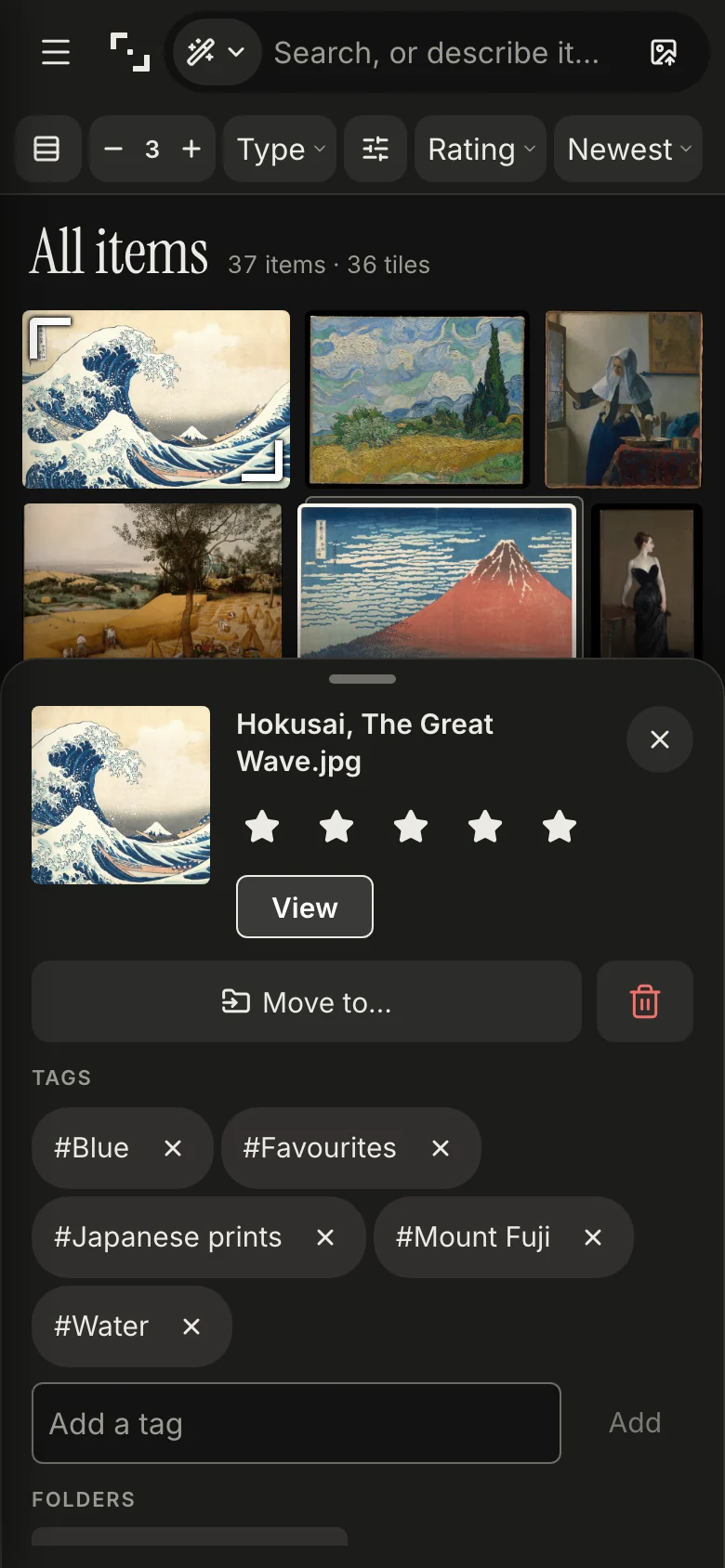
Kist is a web app you can install. On a phone it has its own layout: a justified grid, an item sheet you pull up, and full-screen viewing with swipes.
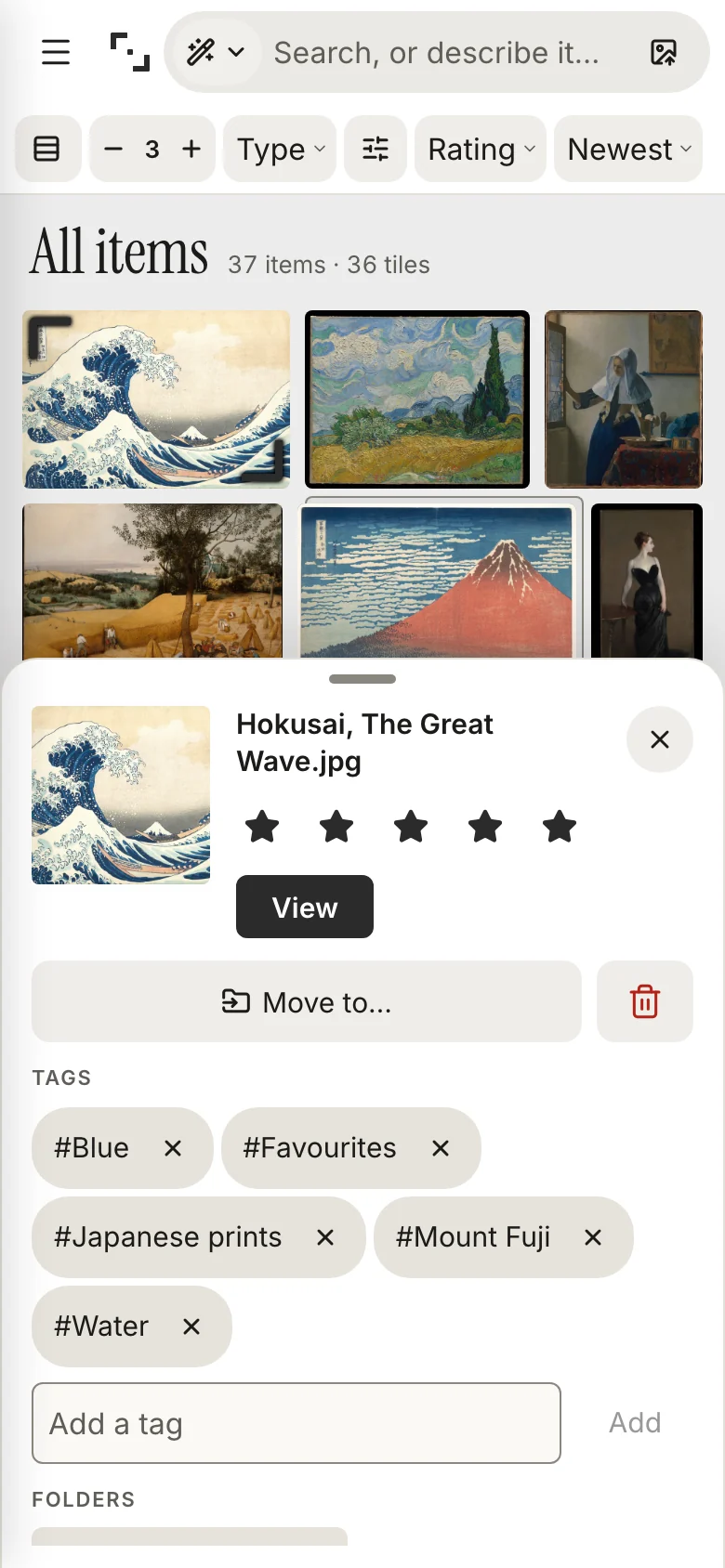
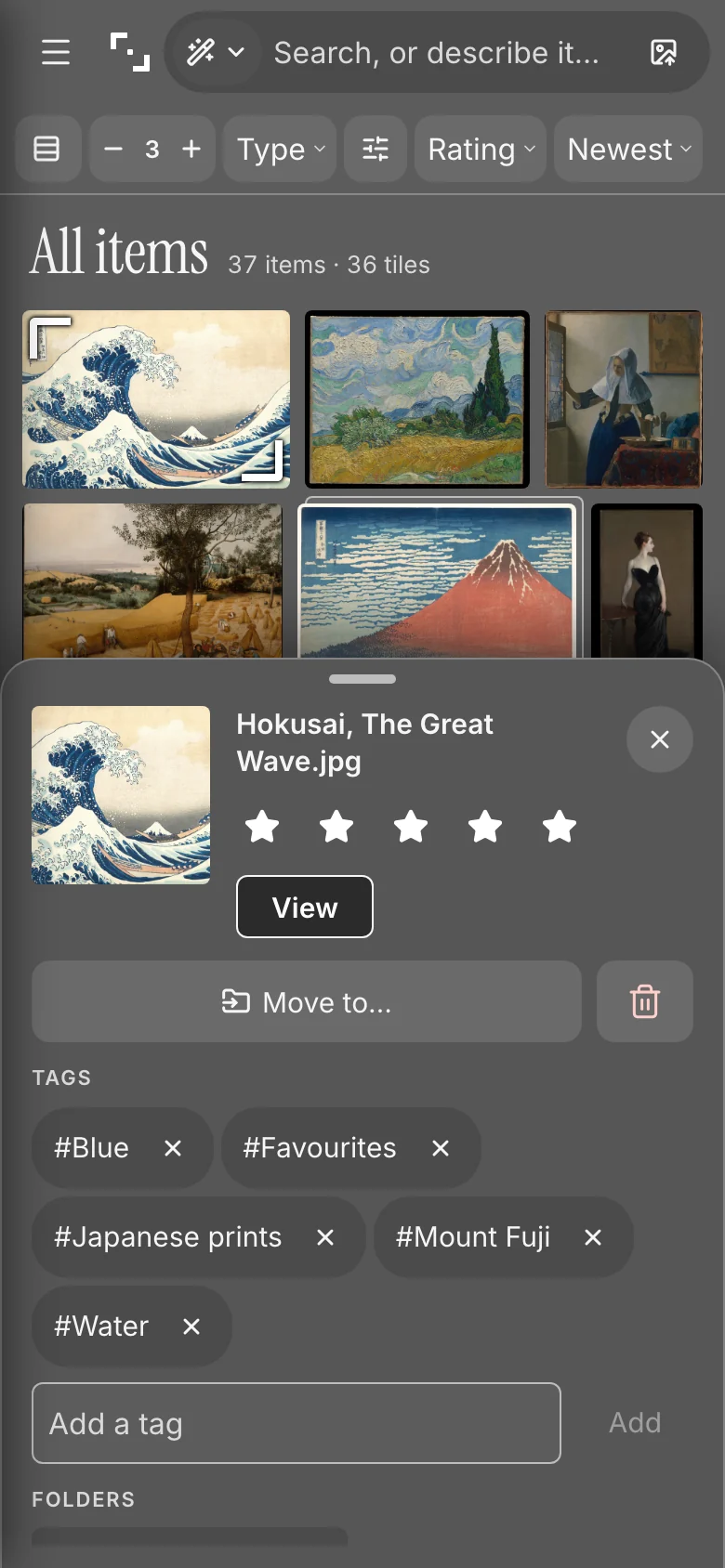
Install it
Kist must be served over HTTPS (see Install).
- iPhone and iPad: open Kist in Safari, then Share → Add to Home Screen. The first visit shows a one-time hint.
- Android: Chrome offers Install app in its menu.
- Desktop: Chrome and Edge show an install button in the address bar.
Installed, Kist opens full screen with its own icon, and the icon shows how many items wait in Unfiled (where the system supports app badges).
What you can do on the phone
Tap stars, add and remove tags (with suggestions from your own tags), Move to… a folder (a search, your five recent folders and the whole tree), and Trash with Undo. Every change is one batch in Recent changes. Notes, renaming, folder management, smart folders and Settings stay on the computer; a read-only token sees no edit controls.
Offline
A service worker keeps the app shell (the page, scripts, styles, fonts and icons), so Kist opens without a connection and says it is offline. It never stores anything from your library: no item files, thumbnails, API answers, MCP or share pages. A new version installs in the background and offers Reload.
Saving from other apps
- iPhone share sheet: a "Save to Kist" Shortcut sends images, files and links from any app. Step by step.
- Browser extension (Firefox and Chrome) and the bookmarklet: Settings →
Phone & browser. Give them an
add-only token.